




Daisy
Black Friday final priceat checkout

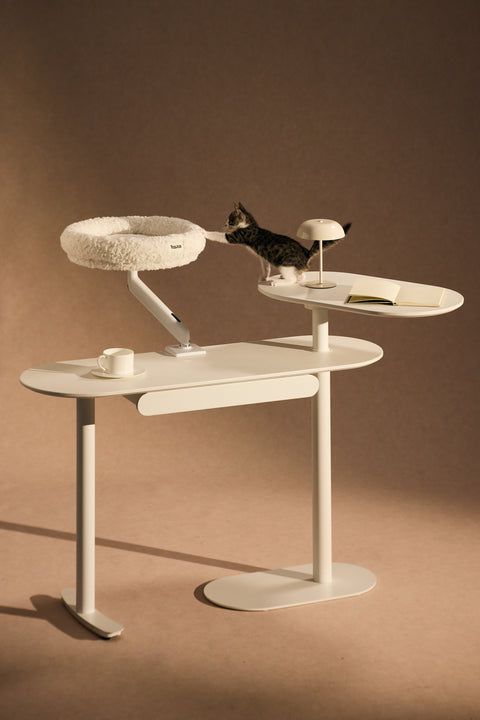
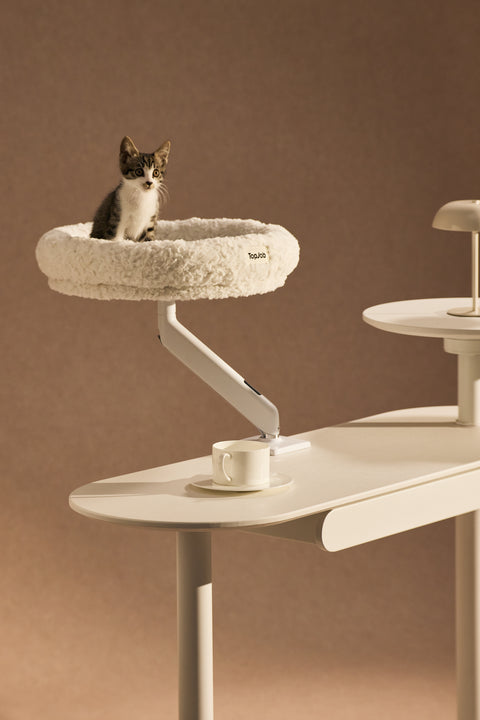
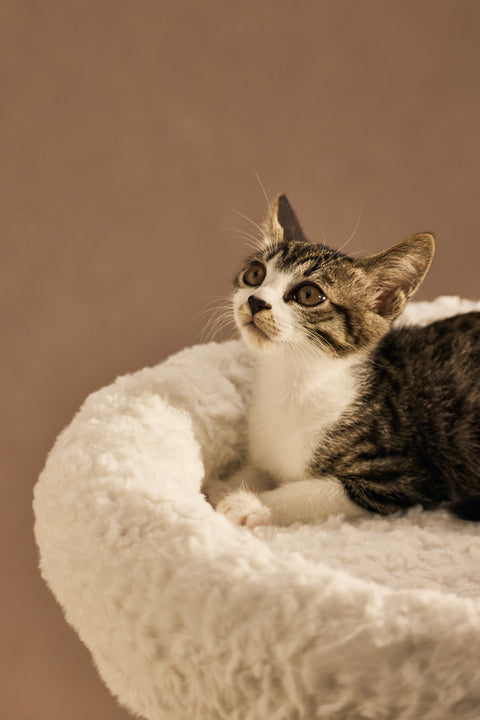
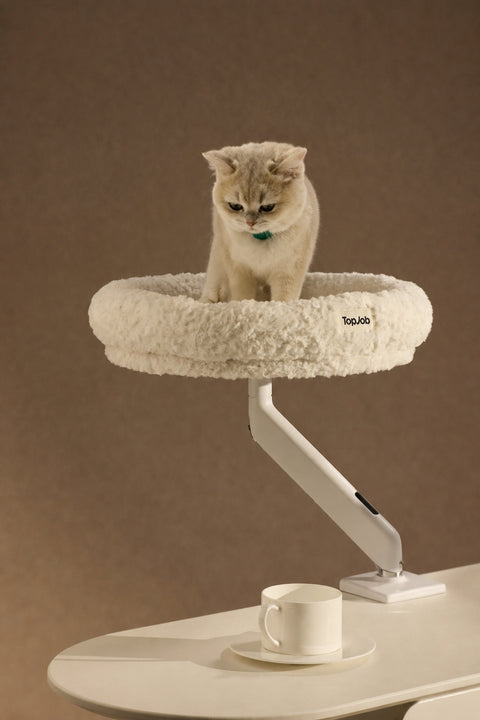



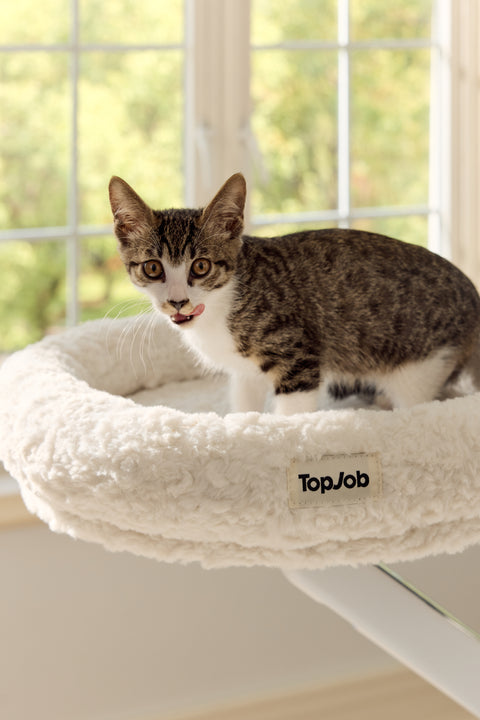
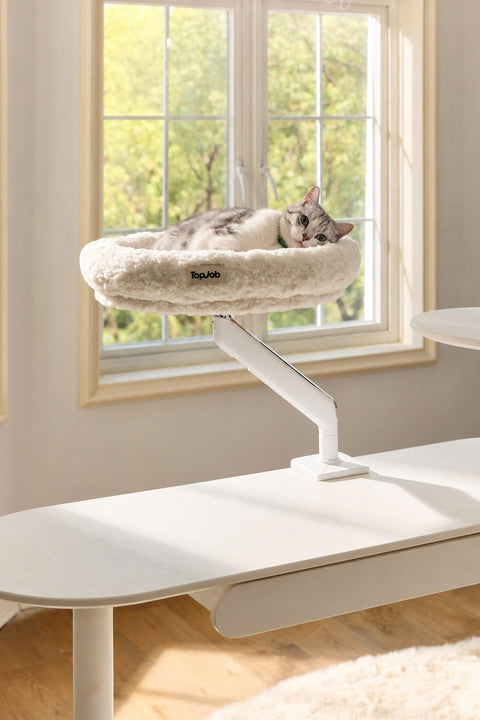
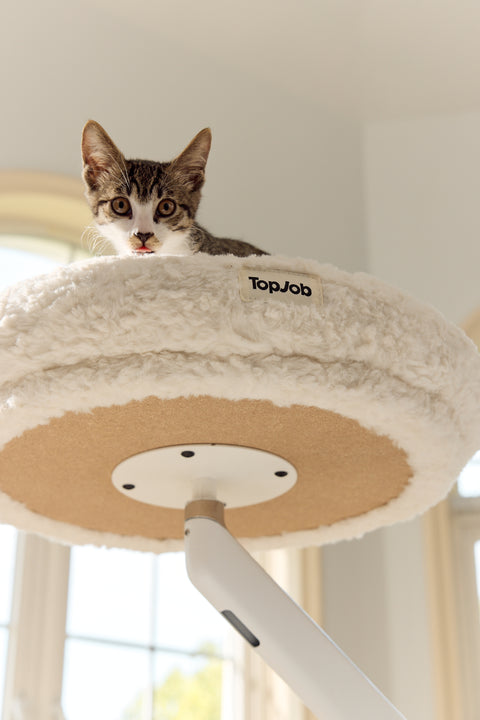
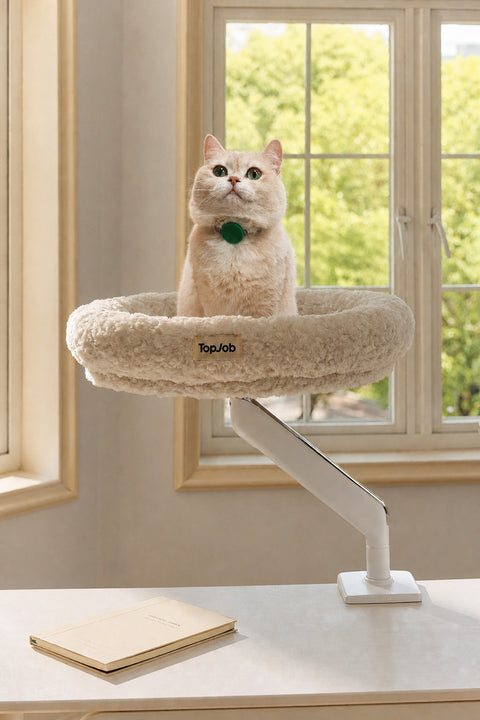
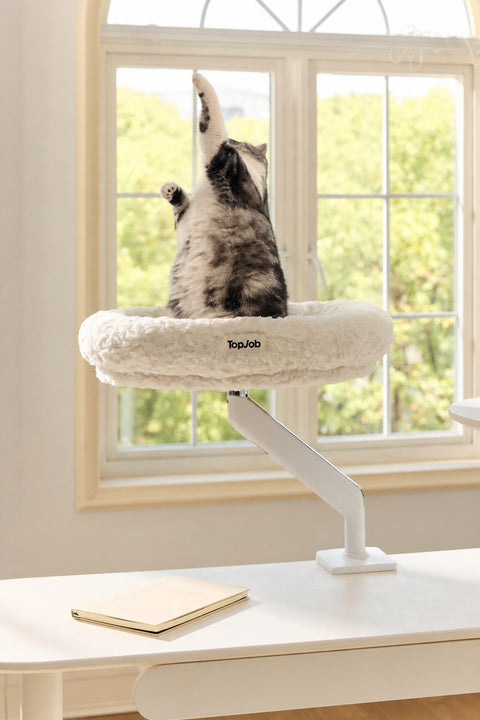

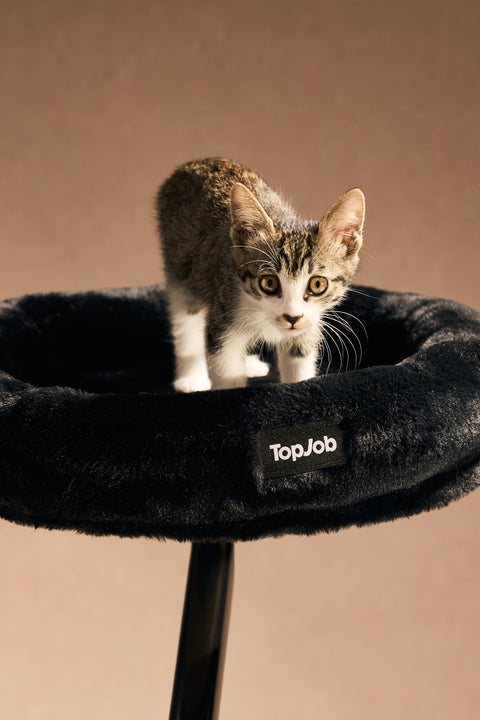
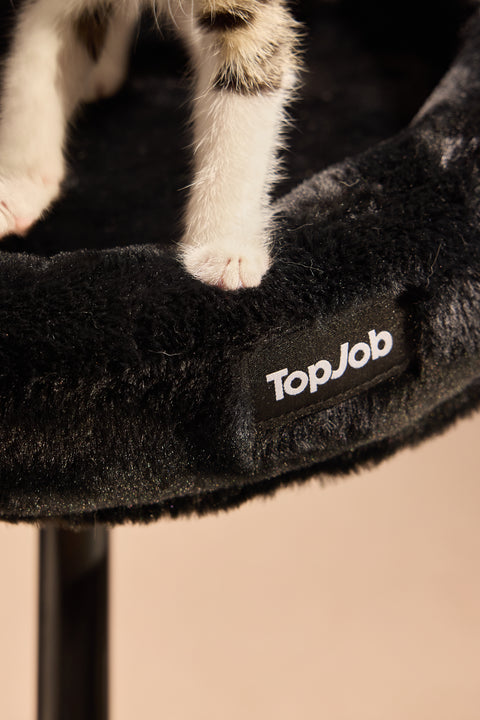

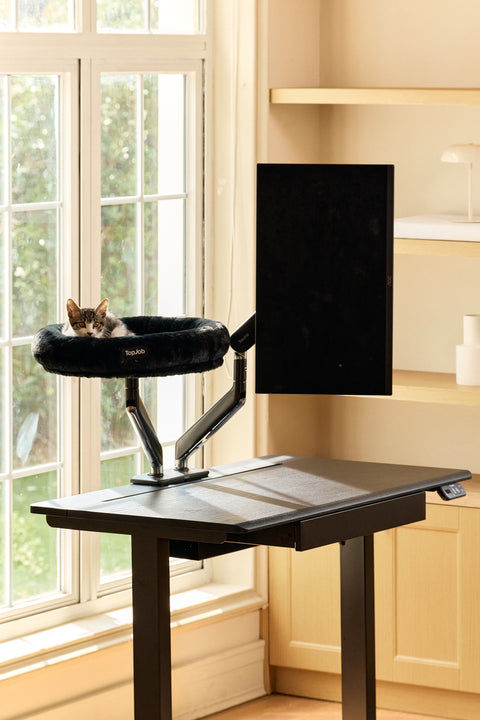
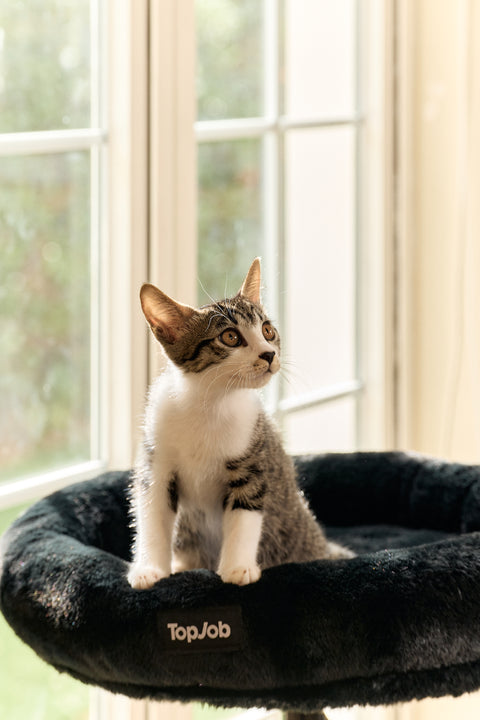
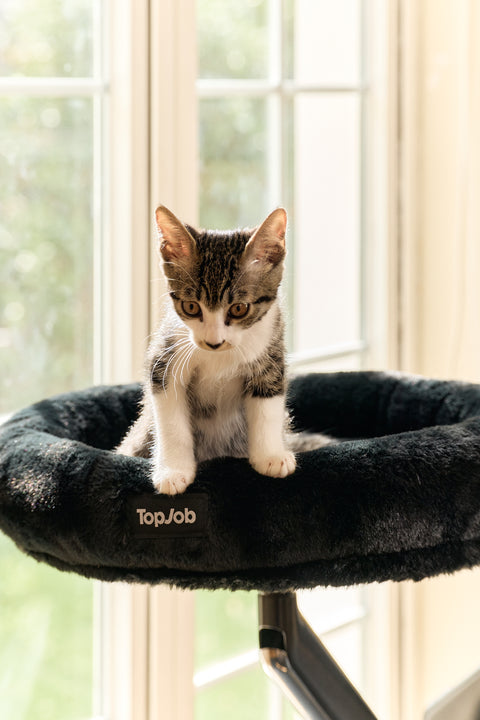
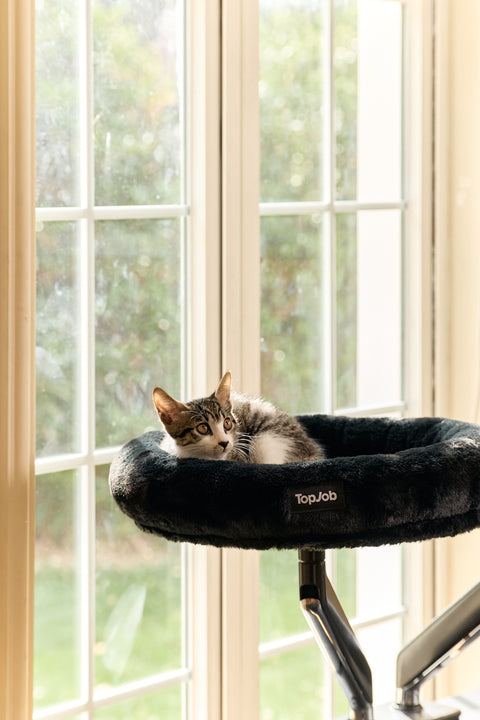

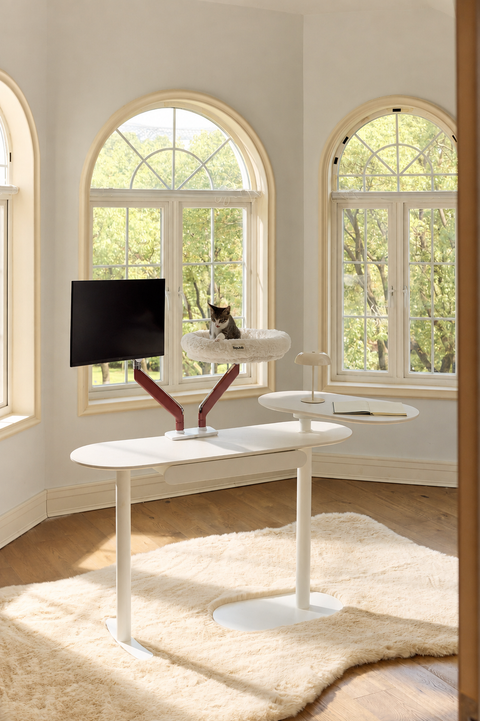
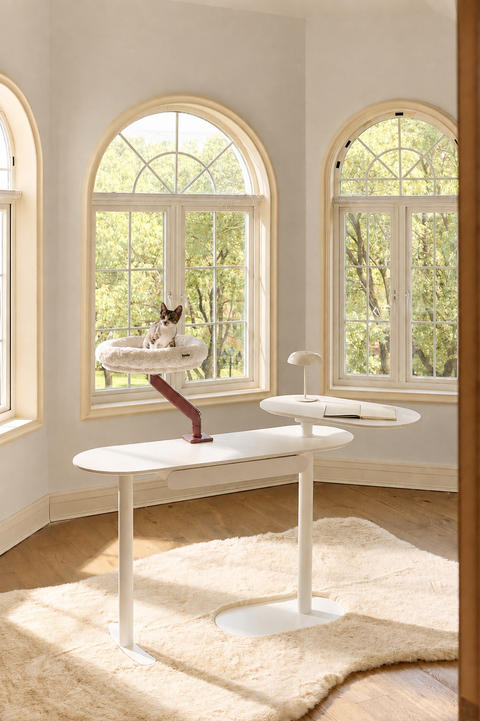
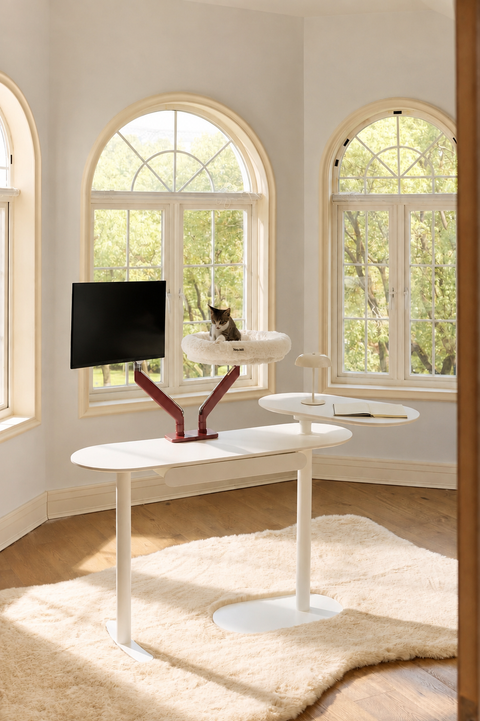
MOUNT ANYWHERE CAT BED
Pawdium
$129.00
$179.0028% OFF
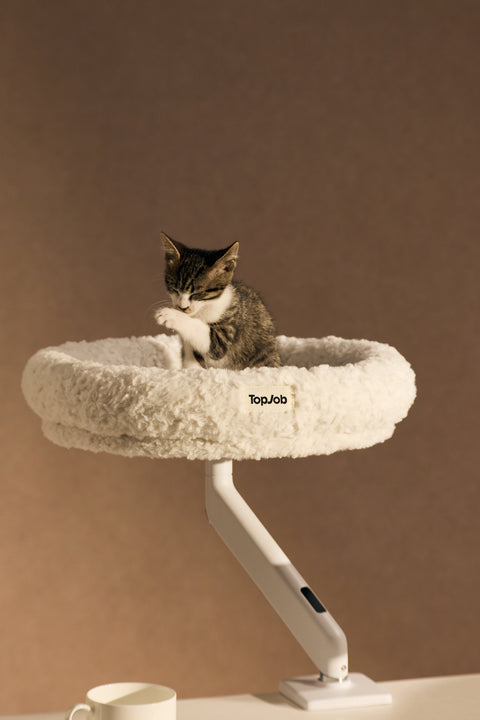
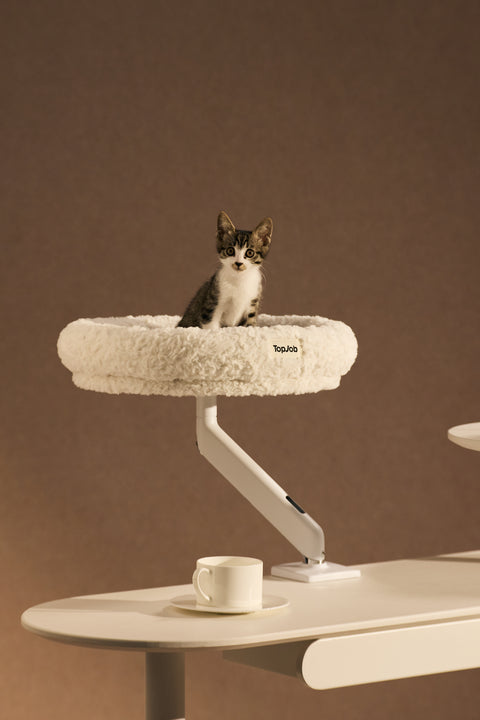
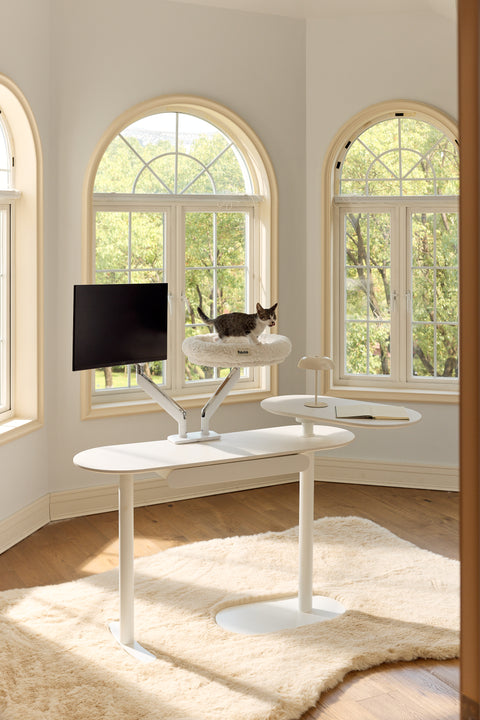
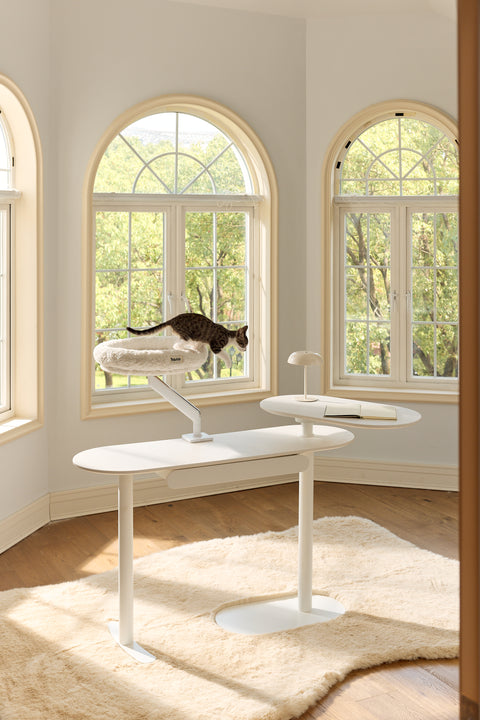
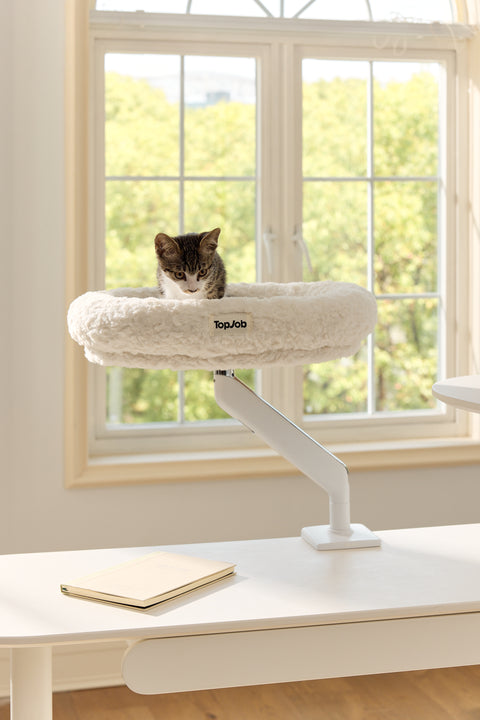
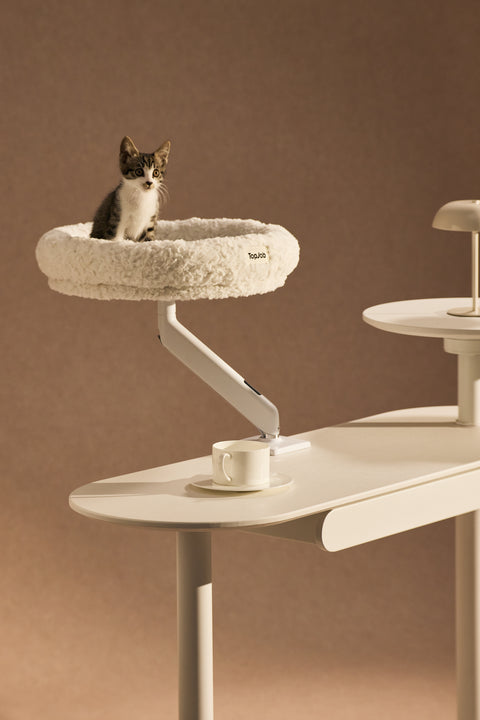
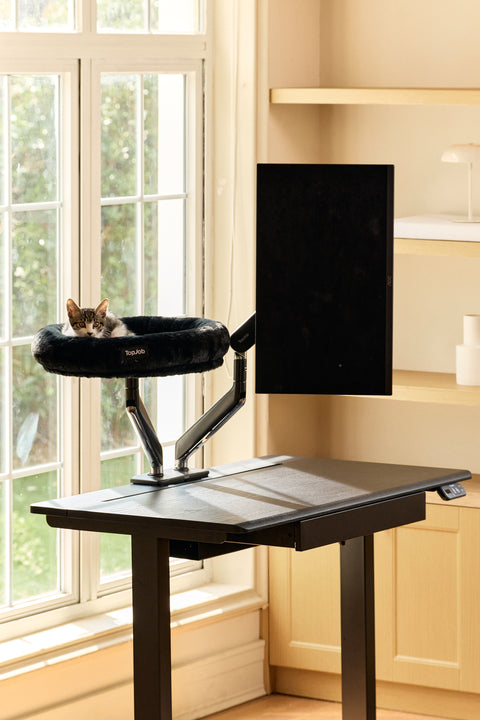
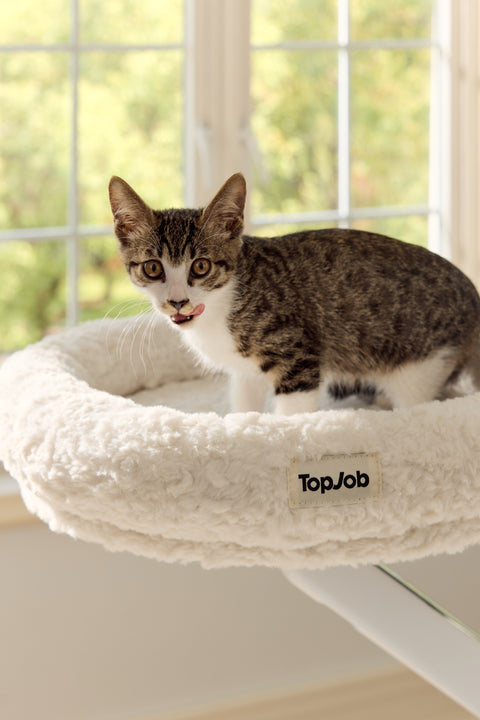
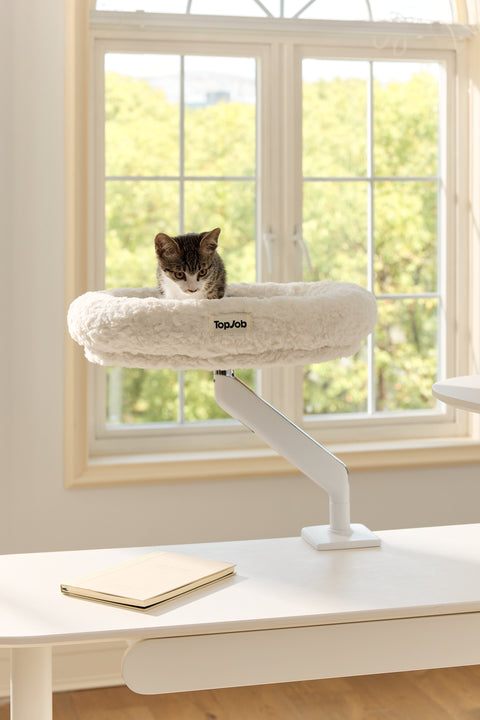
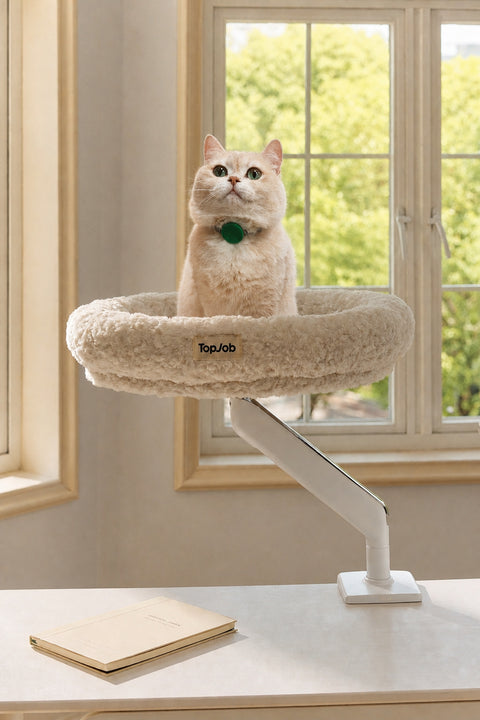
Your cat wants to be right where you are. Pawdium mounts anywhere, including directly onto your LIFTA Monitor Arm's existing mounting base, sharing the same base with your monitor or laptop.
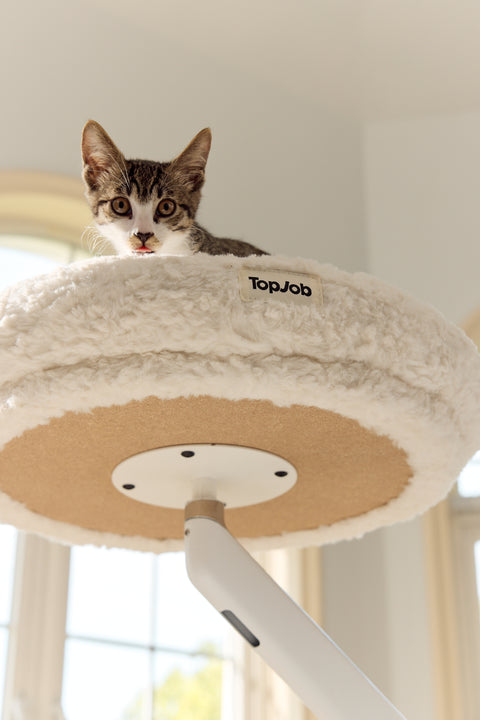
An elevated perch and zero extra desk clutter. Suitable for cats of all ages & sizes and adventurous small dogs & pets.
Easy-Mount C-Clamp. No wobble.
- Outside Diameter: 19”
- Inside Diameter: 14”
- Chin Rest rim height: 4”
- Bed Thickness: 1.4”
- Maximum Weight: 50 lbs
- Mount: C-Clamp (Max desk thickness: 3.1“ (≈80 mm) Compatible with all TopJob desks)
- Movement Range: 360° Rotation
- Material: Cat nest in faux fur with all-around soft cushioning; monitor arm in steel, aluminum alloy and ABS plastic

Free Shipping over $5030-Day Easy ReturnShips within 48 hours
Pawdium
On Sale from $129.00
Recommended
Complete Your Setup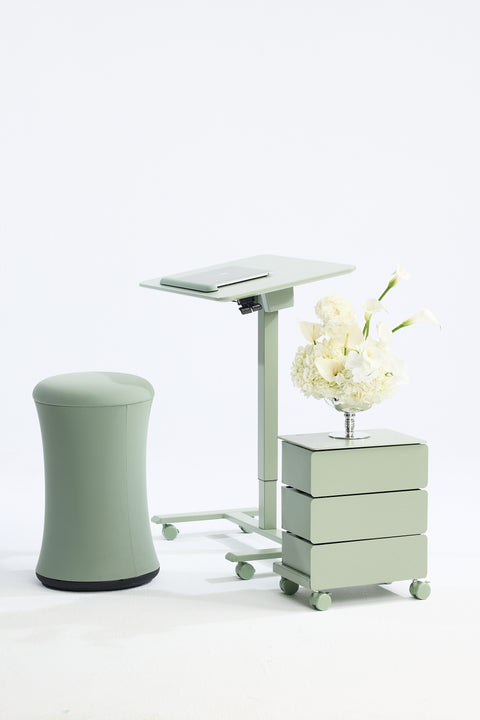
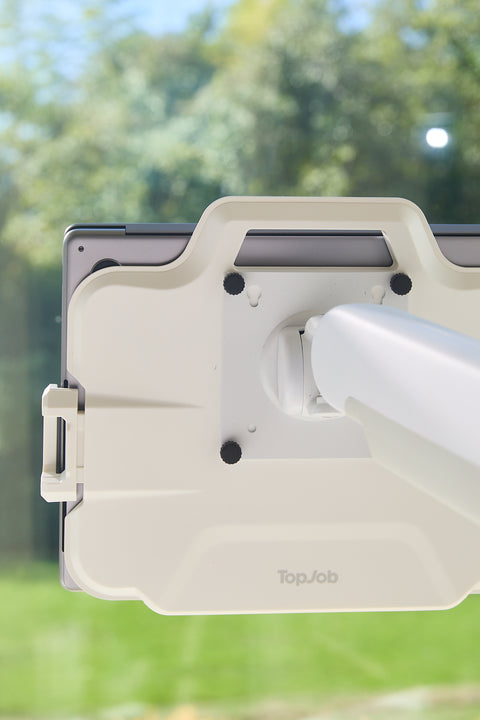
Effortless Adaptation
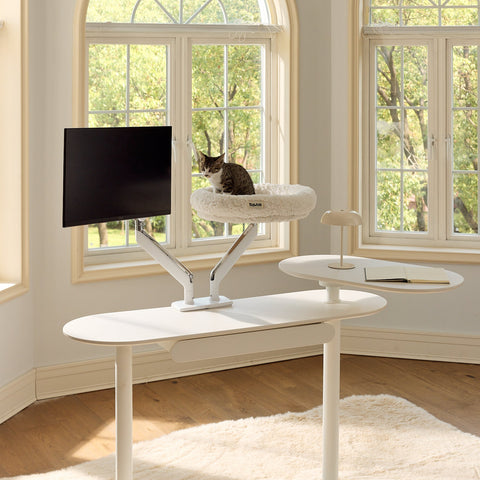
Designed to Work Together
Pairs seamlessly with your LIFTA monitor setup for a clutter-free, boss-level desk.
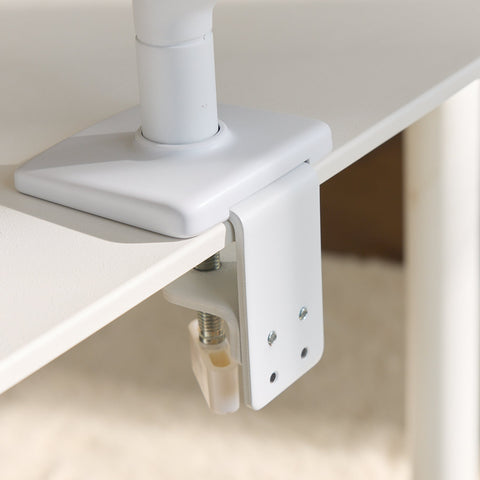
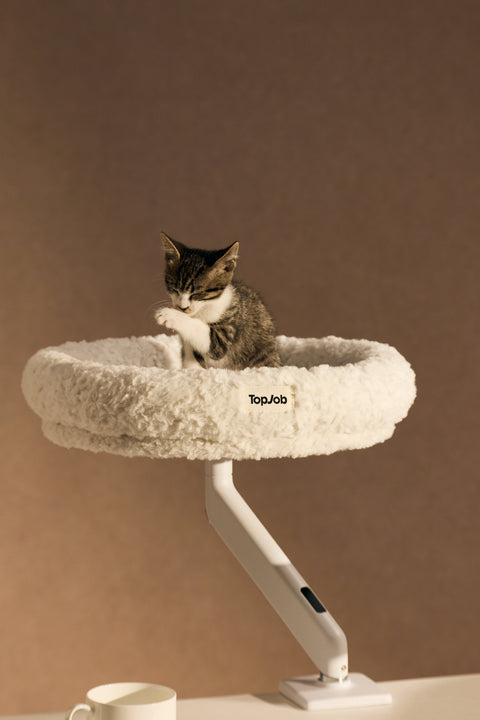
Secure C-Clamp Mount
Rock-solid C-clamp installs tool-light and grips even thick desktops securely.
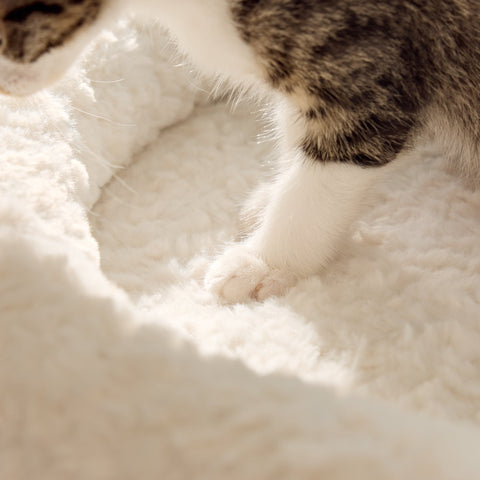
Cloud-Soft Comfort
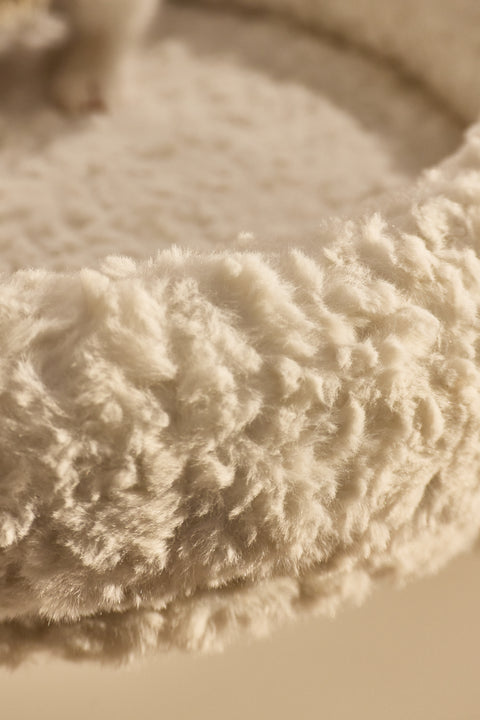
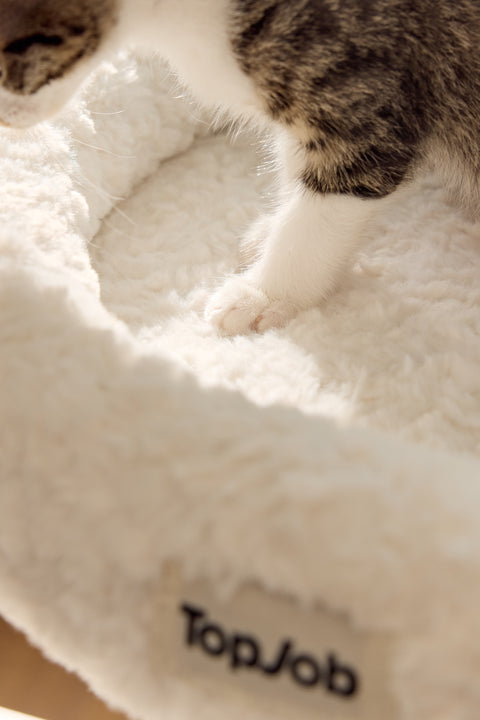
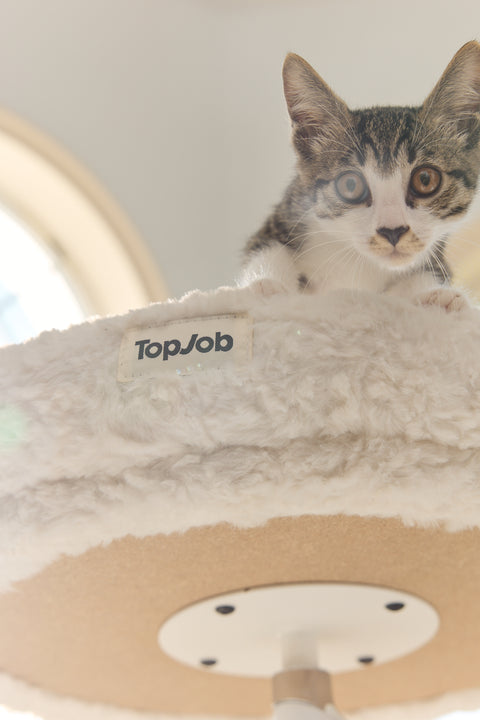
A cloud-soft raised rim your cat will melt into.
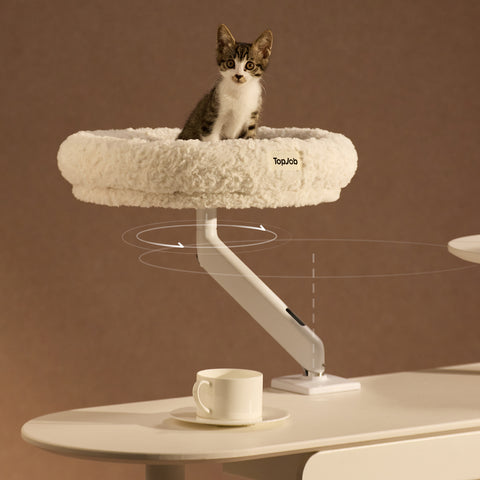
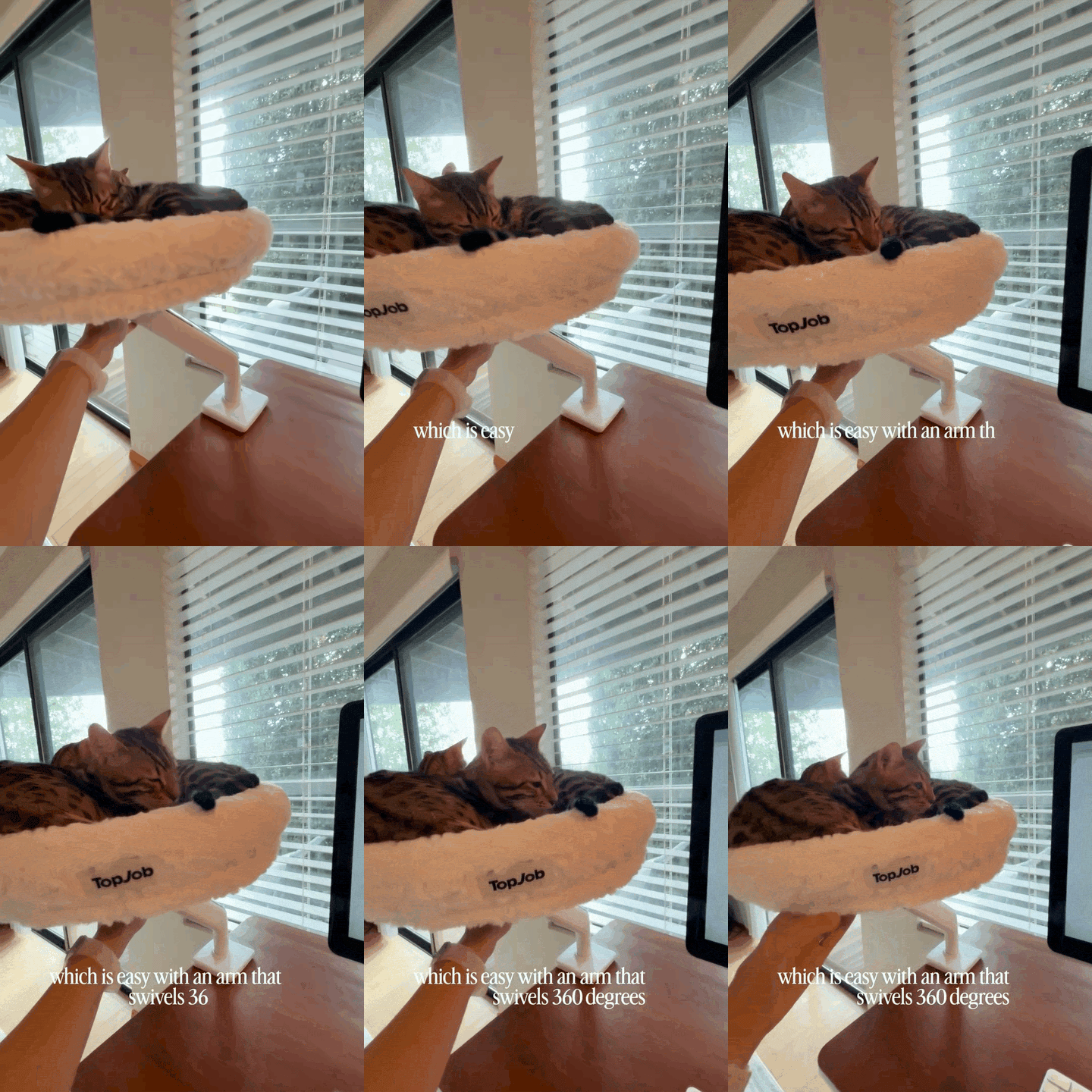
360° Swivel
360 rotation Spin them in for cuddles, spin them out for deep work.
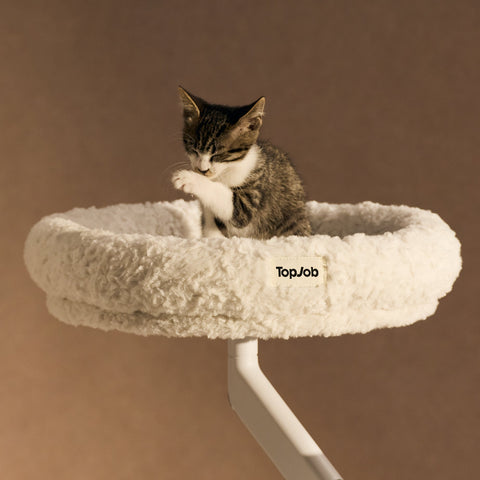
Room to Stretch
Roomy, sink-in-soft interior with space to sprawl, curl, or fully stretch out.
Rock-Solid Support
Professional-grade arm engineering, zero wobble, all-day stability.
Dimensions
Details
- Outside Diameter: 19”
- Inside Diameter: 14”
- Chin Rest Rim Height: 4”
- Bed Thickness: 1.4”
- Maximum Weight: 50 lbs
- Mount: C-Clamp (Max Desk Thickness: 3.1“ (≈80 mm) Compatible with All TopJob Desks)
- Movement Range: 360° Rotation
Shipping
- Package Dimensions: 18" x 18" x 4" (L × W × H)
Right by Your Side,
Always.
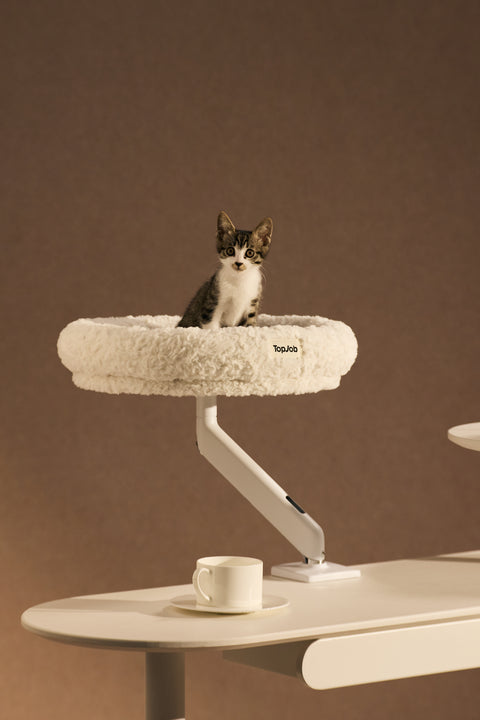
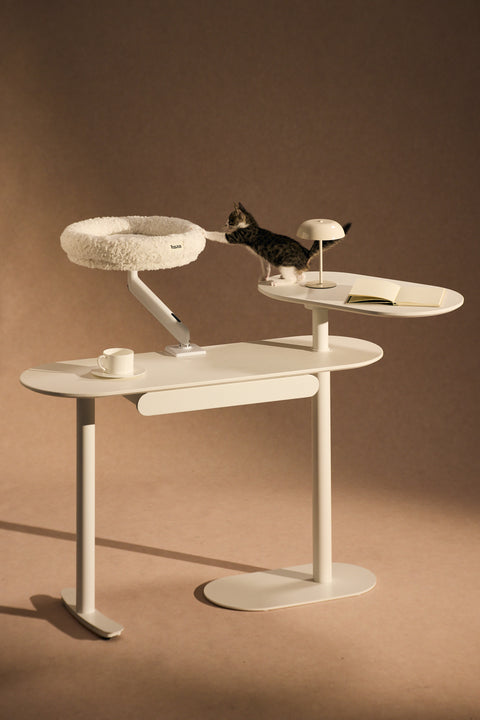
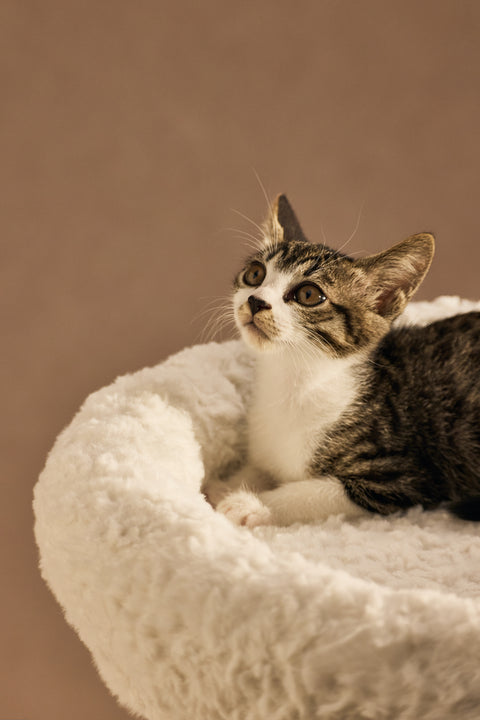
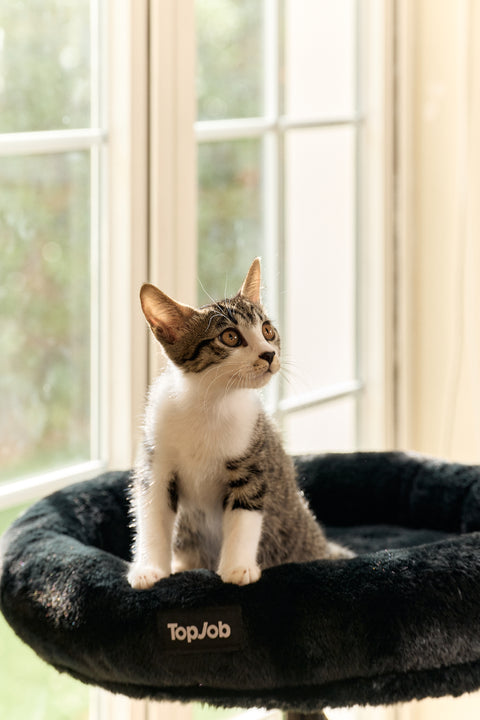
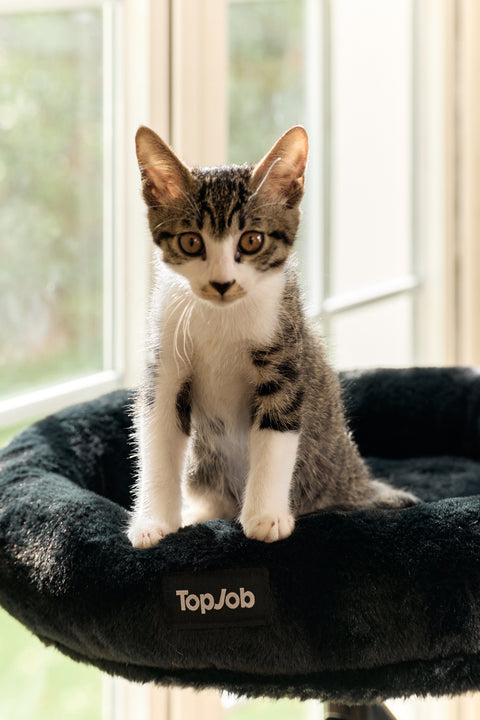
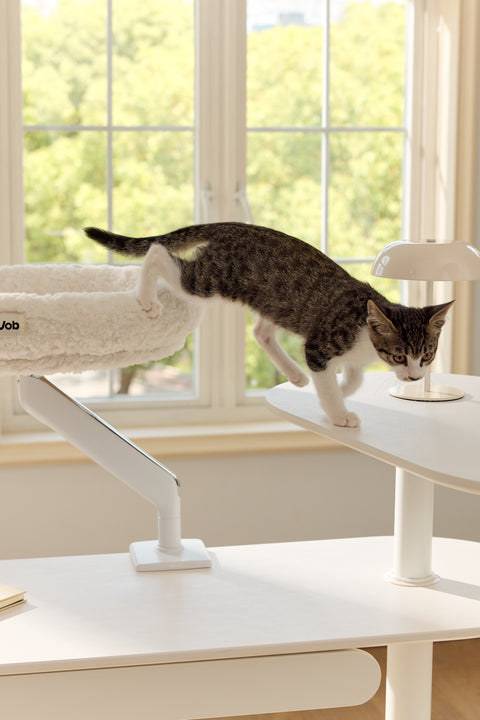
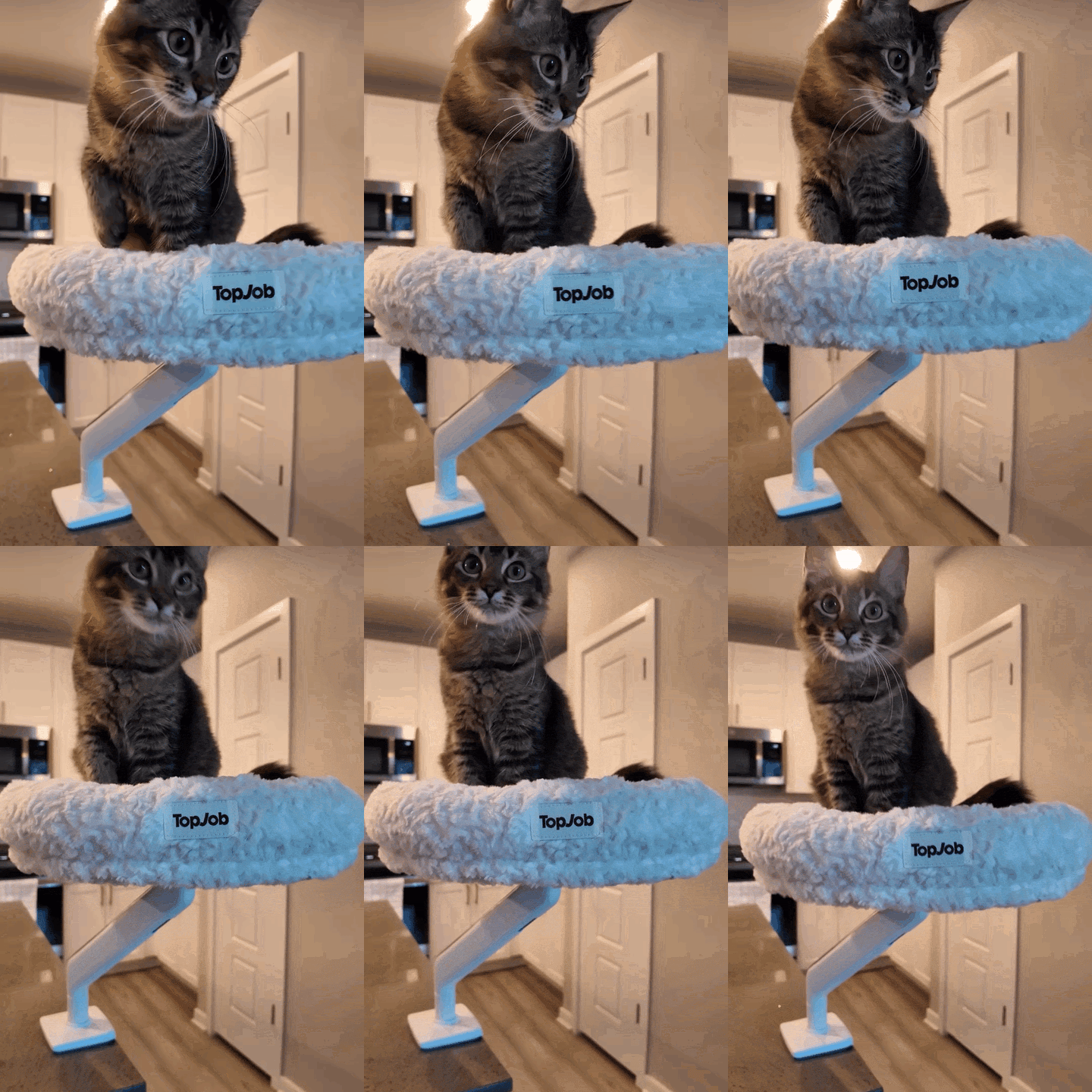
Pawdium gives your cat a plush perch at eye level, close enough for a shared glance and a purr, without the paws on your keyboard or in front your screen. Just the two of you, side by side.
Zero Extra
Footprint
Pawdium mounts to the very same point as your monitor, no second clamp, no turf war for desk space. Your setup stays open and clutter-free while your cat gets a perch of their own.
Design-Forward for You
First-Class Seat for Your Cat
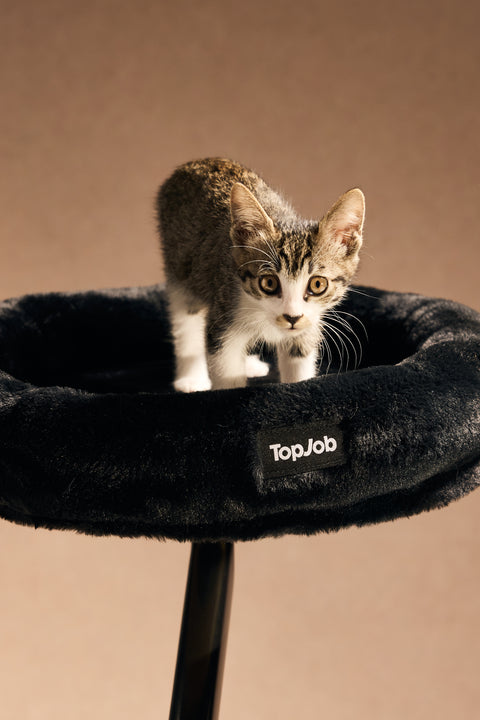
Wrapped in plush black or white faux fur, Pawdium is built to pair cleanly with every LIFTA arm finish for a workspace that looks as premium as it feels.
Designed for All Cats
Bam Bam
Roland
Mount Anywhere
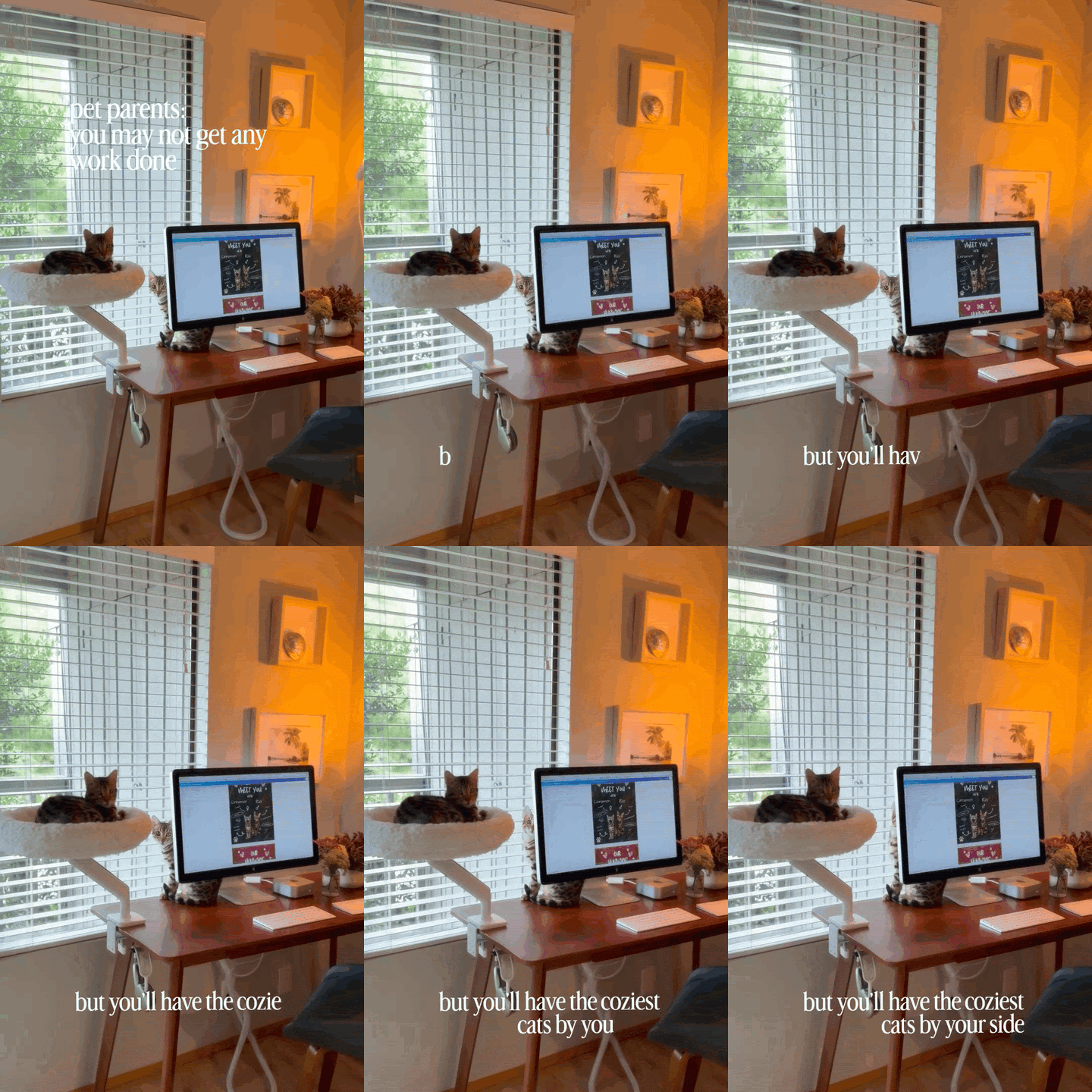
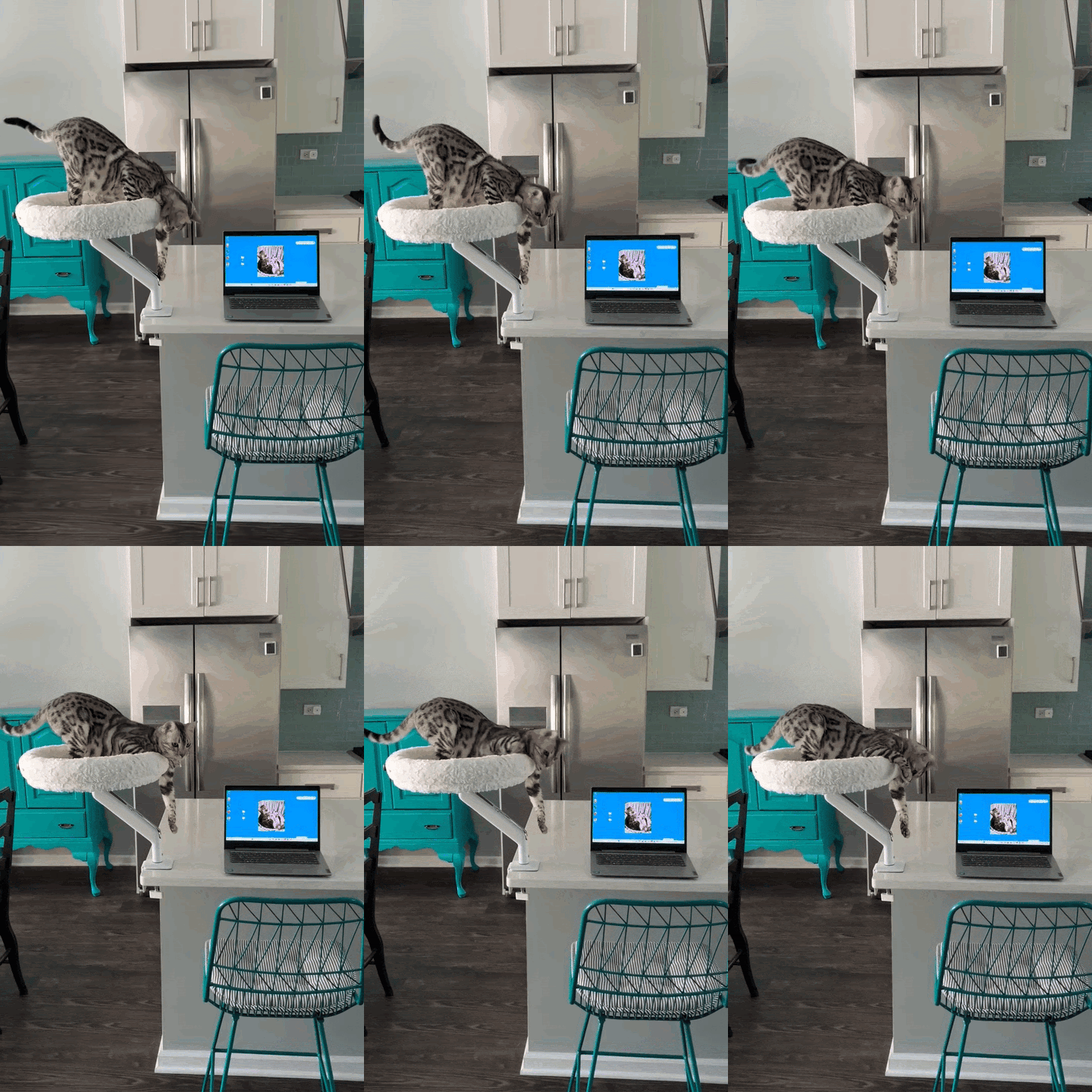
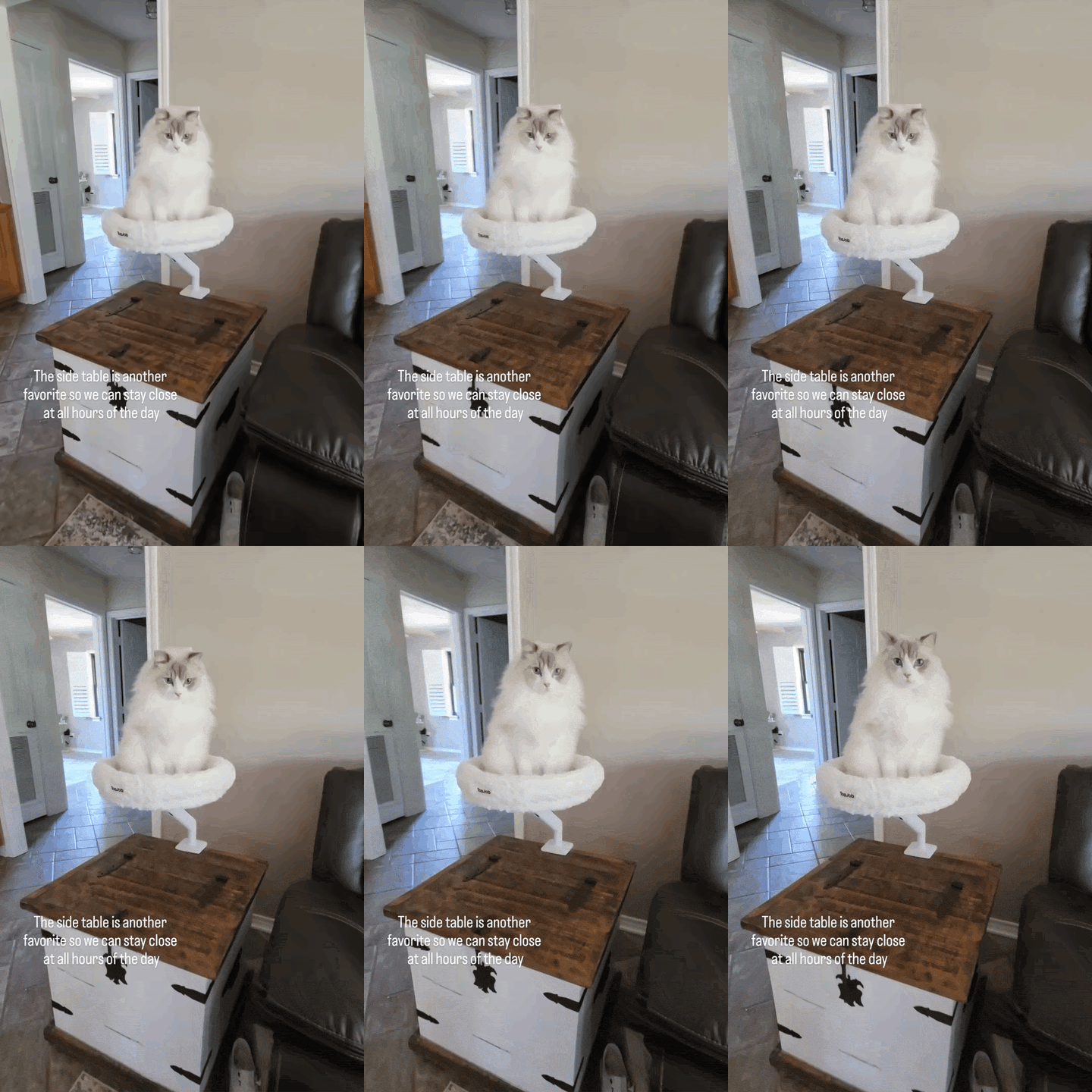


DaisyGirl
AGE
6 MonthsWEIGHT
5 lbs

Bam BamGirl
AGE
6 YearsWEIGHT
12 lbs

RolandGirl
AGE
4 YearsWEIGHT
8 lbs
Pawdium vs. a Typical Desk-Clamp Cat Bed
SEE THE DIFFERENCE| Pawdium | Typical Desk-Clamp Bed | |
|---|---|---|
| Extra desk clamp required | No, shares your monitor arm | Yes, a second clamp |
| Mounting hardware | Monitor-grade arm mount | Desk-edge clamp |
| Color-matched to your setup | Black & White Faux Fur | Usually one finish |
| Install time | ~5 minutes | 10–20 minutes |
| Warranty | 7 years | Typically 1 year or less |
FAQ
Will Pawdium fit my LIFTA Monitor Arm?
Yes. Pawdium mounts to the standard LIFTA mounting point. If you have a Dual setup, mount Pawdium on the second arm and keep your monitor or Laptop on the first.
Will it wobble under my cat's weight?
No. Pawdium uses your LIFTA arm‘s existing monitor-grade mounting hardware, the same connection built to hold a display steady, rather than a lightweight desk-edge clamp. It's rated for up to 50 lbs.
How long does installation take?
About 5 minutes. Secure the connecting fitting to the bed with the included screws and screwdriver, then mount it to your LIFTA arm's existing monitor point. No drilling required.
Do I need to already own a LIFTA Monitor Arm?
No, choose the Pawdium set (1 LIFTA Arm + Pawdium) and we‘ll include everything you need.
Already own a LIFTA arm? Contact support@topjoblab.com to purchase the pawdium bed only.
How to clean?
Vacuum away loose cat hair regularly, and spot-clean in seconds, a gentle wipe with soap and water is all it takes to keep Pawdium fresh.
Please note: the Pawdium cover is not machine-washable.
